


Blog
Guides and announcements on Discord server management, moderation, music and community growth.
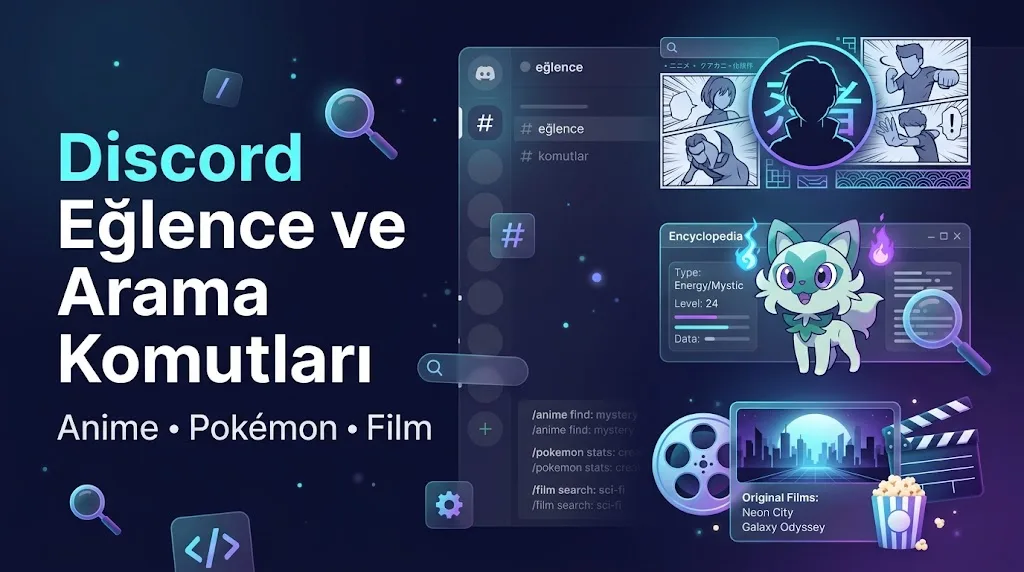
Discord Fun and Search Commands: Anime, Pokémon, Movies
10 ready-to-use commands on VeyroBot requiring no setup: anime/manga, Pokémon, movie, GIF, weather, Twitch search, joke, advice, and dog photo.
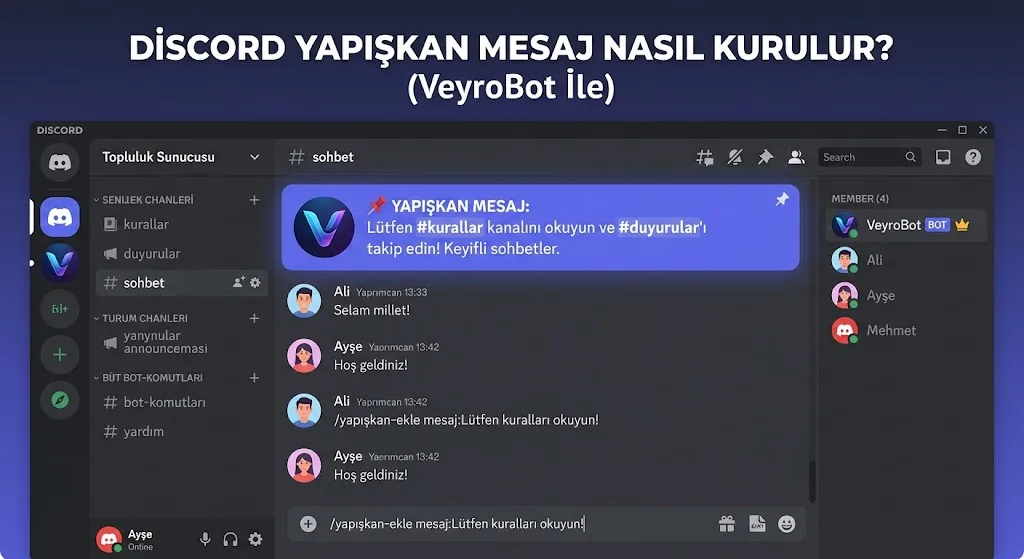
How to Set Up Discord Sticky Messages?
Learn how to set up a sticky message that stays at the bottom of a channel, character limits, rate limits, and how removal works.
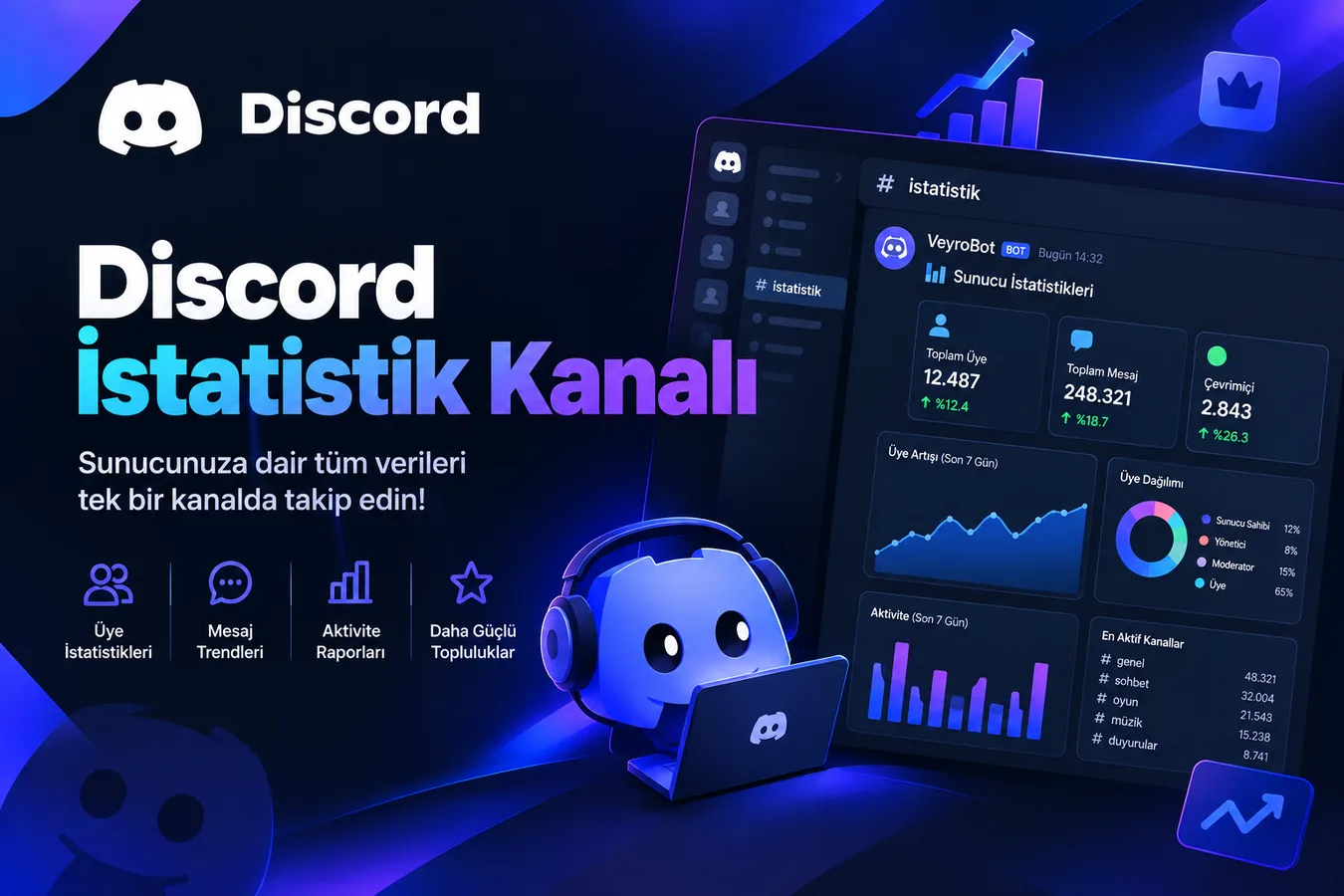
How to Set Up a Discord Live Stats Channel
How to set up an auto-updating Discord voice channel that displays member, human, bot, or boost counts? Templates, update frequency, and limits.
What is a Discord Server Bot and What Does It Do? (2026 Guide)
A bot is an account that automates tasks members cannot do. Which tasks it takes over, why permission and role hierarchy matter, and three things a bot cannot do.
How to Set Up an Automatic Voice Channel (JTC) on Discord
A private room is instantly created for any member who joins the generator channel, and deleted once empty. Setup steps, control panel buttons, and three common mistakes.
How to Add Twitch, YouTube, and Kick Notifications to Discord
Seven sources are tracked: YouTube, Twitch, Kick, Reddit, Bluesky, RSS, and podcasts. Setup steps, preventing duplicate stream alerts, and avoiding notification fatigue.
Discord Server Event Ideas: Formats That Keep Communities Alive
Events are the most cost-effective tool to give your server that "something is happening here" feeling. This guide covers effective ideas ranging from low-effort recurring formats to large seasonal events, and how to measure the results of each.
How to Set Up Discord AutoMod: Filters, Punishments, and Tiers
AutoMod runs the moment a message is sent with ten filters: invite, link, spam, caps, mass mention, duplicate message, emoji, line spam, blocked word, and regex. Setup steps, default values, tiered punishments, and common mistakes.
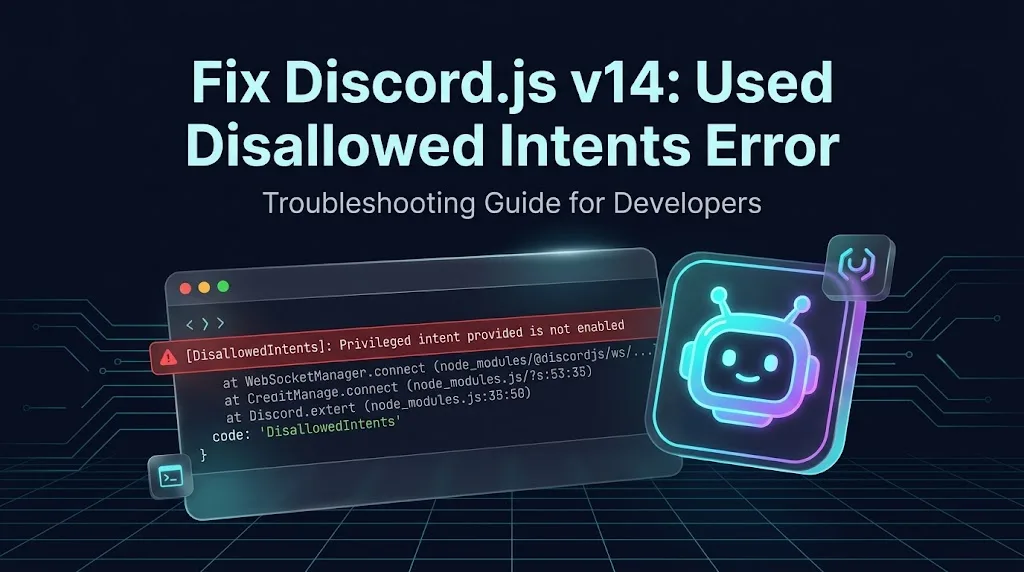
How to Fix Discord.js v14 "Used Disallowed Intents" Error
If you encounter the "DisallowedIntents: Privileged intent provided is not enabled" error when starting your VeyroBot, do not panic. Reactivate your bot in 2 steps by fixing the Privileged Gateway Intents settings on the Discord Developer Portal and your code configuration.